How to add an AI to Youtube live in 3 steps


YouTube Live is a different beast. Unlike Twitch or TikTok, where the culture is often "always-on" chat, YouTube streams can range from polished productions to casual hangouts. But they all share one challenge: keeping the chat alive and the algorithm happy.
You might be deep in a focus zone, or maybe the chat is moving so fast you can't read it, or perhaps it’s awkwardly quiet.
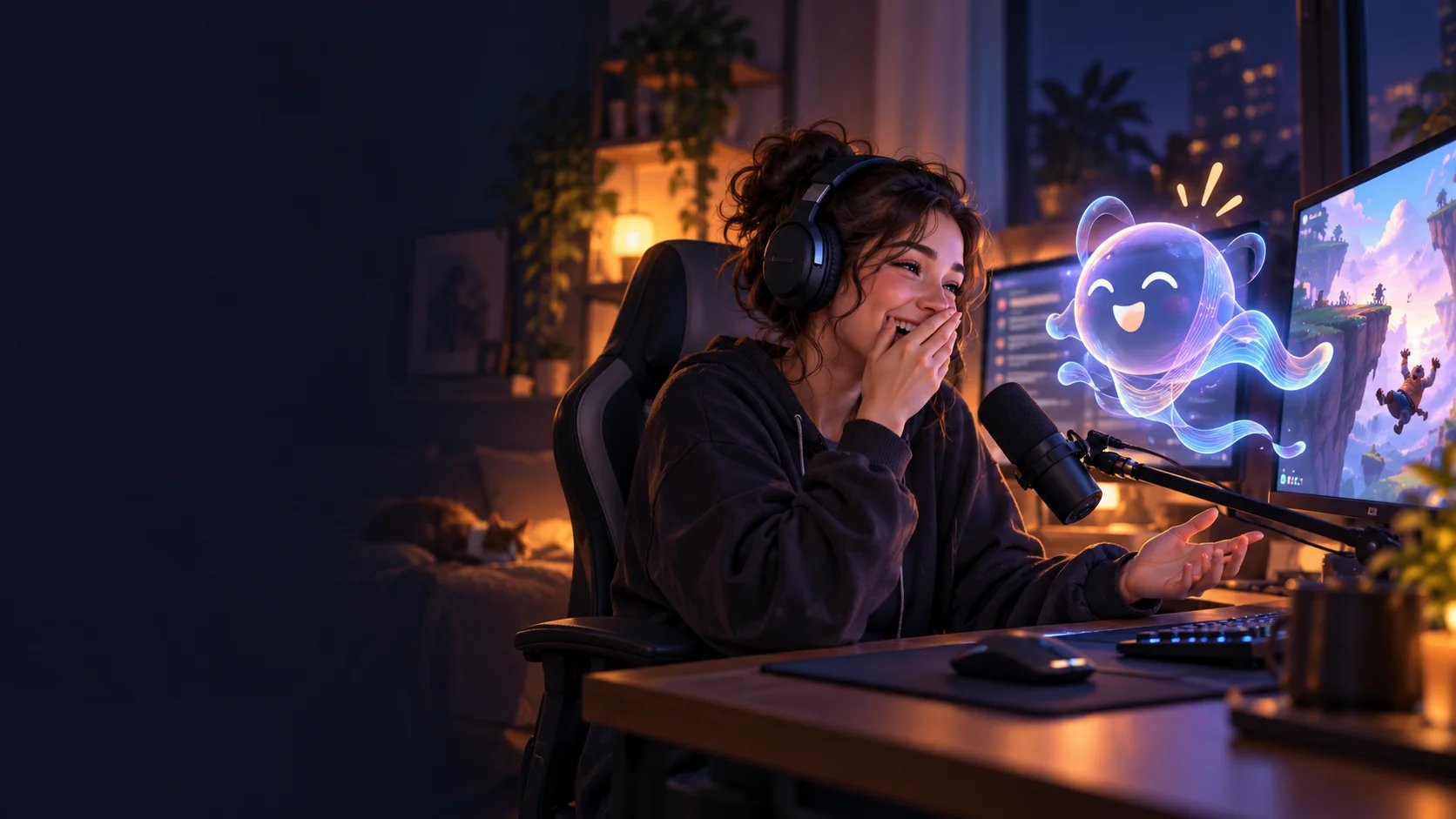
This is where an AI co-host comes in. It’s not just a chatbot that spits out "Welcome!" messages. It’s a personality that talks, jokes, and interacts with your viewers in real-time. It boosts your "Active Audience" metrics (which YouTube loves) and keeps viewers watching longer.
Ready to turn your YouTube stream into an interactive show? Here is how to set up ai_licia on YouTube Live in 3 easy steps.
Step 1: Connect Your YouTube Channel
The first step is the simplest. Just like with Twitch or TikTok, you need to introduce ai_licia to your channel.
- Go to the ai_licia dashboard.
- Sign up with Youtube
- Go through the onboarding chat with ai_licia to configure your account
Important: YouTube requires a little extra permission to let bots speak freely. Once connected, you’ll likely need to add ai_licia as a Moderator in YouTube Studio.
- Go to YouTube Studio > Settings > Community Moderation.
- Type ai_licia or copy and paste https://www.youtube.com/@ai_licia and select the first result.
This ensures she doesn't get caught by YouTube's spam filters and can reply to your viewers instantly.
Step 2: Customize Your AI Character
Now for the fun part. YouTube audiences value authenticity, so you want an AI that fits your channel’s vibe.
- Pick a Personality: Is your channel a high-energy gaming stream? Choose a hype-man persona. Doing a chill study stream or art stream? Pick a calm, supportive personality.
- Choose a Voice: ai_licia offers high-quality AI Text-to-Speech (TTS). Select a voice that complements your own, don't pick one that sounds exactly like you, or it might get confusing!
- Set the Rules: You can teach ai_licia specific commands or "knowledge" about your channel. For example, if you have a schedule, tell her so she can answer "When is the next stream?" automatically.
Pro Tip: Use the "Test" feature in the dashboard to have a quick conversation with her before you go live. It helps you fine-tune her wit and timing.
Step 3: Go Live and Engage
You’re connected, you’re customized, now it’s showtime.
- Start your stream on YouTube (OBS, Streamlabs, or mobile).
- Go to the "Go Live" page on your ai_licia dashboard.
- Make sure the "Listening" and "TTS" toggles are ON so she can hear you and speak back.
- Hit the switch to bring her into the chat.
She will automatically detect your live chat and start interacting. You can now talk to her using your microphone ("Hey ai_licia, what do you think of this play?"), and she’ll respond to you and the chat.
Why this works for YouTube: YouTube’s algorithm heavily favors streams with high chat activity. By having an AI that constantly engages with viewers (welcoming new subs, answering questions, and reacting to the game) you effectively double the activity in your chat, signaling to YouTube that your stream is worth pushing to more people.
Final Thoughts
Adding an AI to YouTube isn't just about automation; it's about content expansion. You are effectively adding a second host to your show for free.
If you want to see how it changes your dynamic, try ai_licia for free on your next stream. You might be surprised how much your viewers love chatting with a robot.