How to add an AI to Kick live in 3 steps

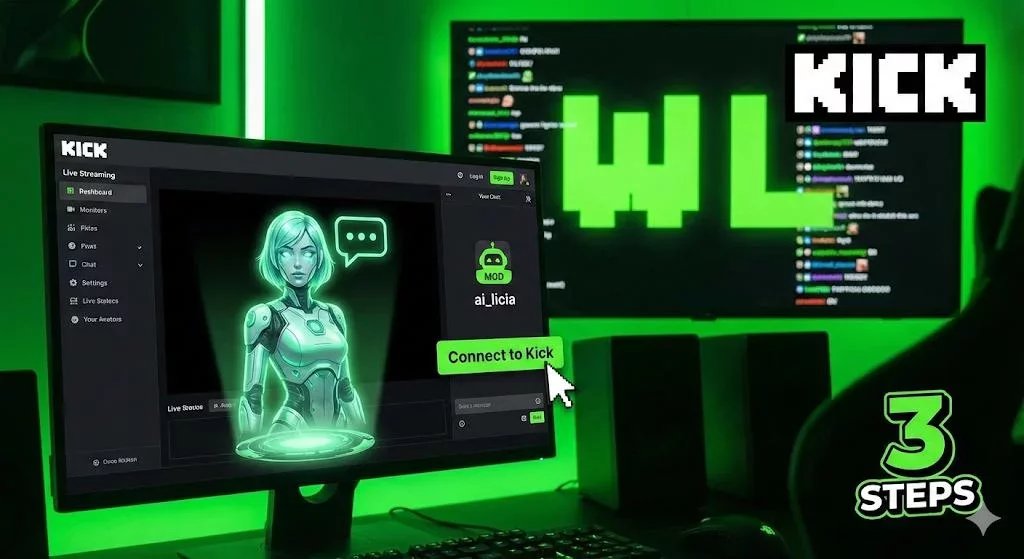
Kick is moving fast. It’s the platform of "W"s, "L"s, and chat moving at the speed of light. On Kick, community isn't just a part of the stream, it is the stream.
But keeping up with a Kick chat while you're trying to game or create content is a challenge. If you miss a sub or ignore a "W" chain, the vibe can drop instantly.
This is where adding an AI co-host changes the game. Unlike a basic moderation bot that just times people out, an AI like ai_licia actually hangs out in your chat. It reads messages, roasts trolls, welcomes new viewers, and keeps the energy high even when you're focused on the screen.
Here is how to set up an AI on your Kick stream in 3 steps.
Step 1: Link Your Kick Account
Getting your AI onto the "green platform" is straightforward. You just need to create an ai_licia account and linking it to your Kick account.
- Go to the ai_licia dashboard
- Sign up with Kick
- Go through the onboarding to set up your account
Crucial Step: Once connected, you need to make sure your AI has the power to speak.
- Go to your own Kick channel’s chat.
- Type
/mod ai_licia(or if you add a custom name, the specific bot username). - Hit enter.
Giving her mod status ensures she bypasses slow mode and can keep up with the fast-paced nature of Kick chats.
Step 2: Dial in the "Kick" Vibe
Kick is known for having a different culture than Twitch or YouTube. It’s often rawer, funnier, and more chaotic. You need an AI that fits that energy.
- Set the Personality: Do you want a supportive assistant or a savage co-host? On Kick, a "Roaster" or "Hype" personality often performs best. You can tweak the prompt to make her sassier or more meme-savvy.
- Teach Her your Inside jokes: In the knowledge base settings, you can ensure she gets your inside jokes and can play around it. If chat spams a specific word, or mention something everyone kniws, she should know the meaning behind it and feel like she is an integral part of the community.
- Voice Selection: Pick a voice that cuts through the noise. Whether it’s deep and serious or glitchy and digital, make sure it stands out over your game audio.
Step 3: Go Live and Secure the W
Now that you are modded and customized, you are ready to stream.
- Start your stream on OBS (or your preferred software).
- In the ai_licia dashboard, head to the "Go Live" section.
- Toggle Listening (so she hears you) and Vision (if you want her to see your gameplay).
- Switch her ON.
She will immediately join the chat. When viewers type, she’ll read it, process it, and reply with audio.
Why this matters for Kick: Kick’s discovery algorithm is still evolving, but one thing is constant: highly active chats attract more viewers. An AI that constantly creates conversation loops (asking chat questions, reacting to gameplay, and responding to text) keeps your chat moving significantly faster than a streamer relying on their own voice alone.
Final Thoughts
The 95/5 split is great, but it only matters if people are watching. Adding an AI co-host is one of the easiest ways to differentiate your stream from the thousands of others playing the same games.
Ready to see if your chat can handle her? Try ai_licia for free on your next Kick stream. Let’s get some Ws in the chat.