How to Add an AI on TikTok Live in 5 minutes

TikTok Live is evolving fast, and if you’ve been watching lately, you might’ve noticed something new: AI has entered the chat.
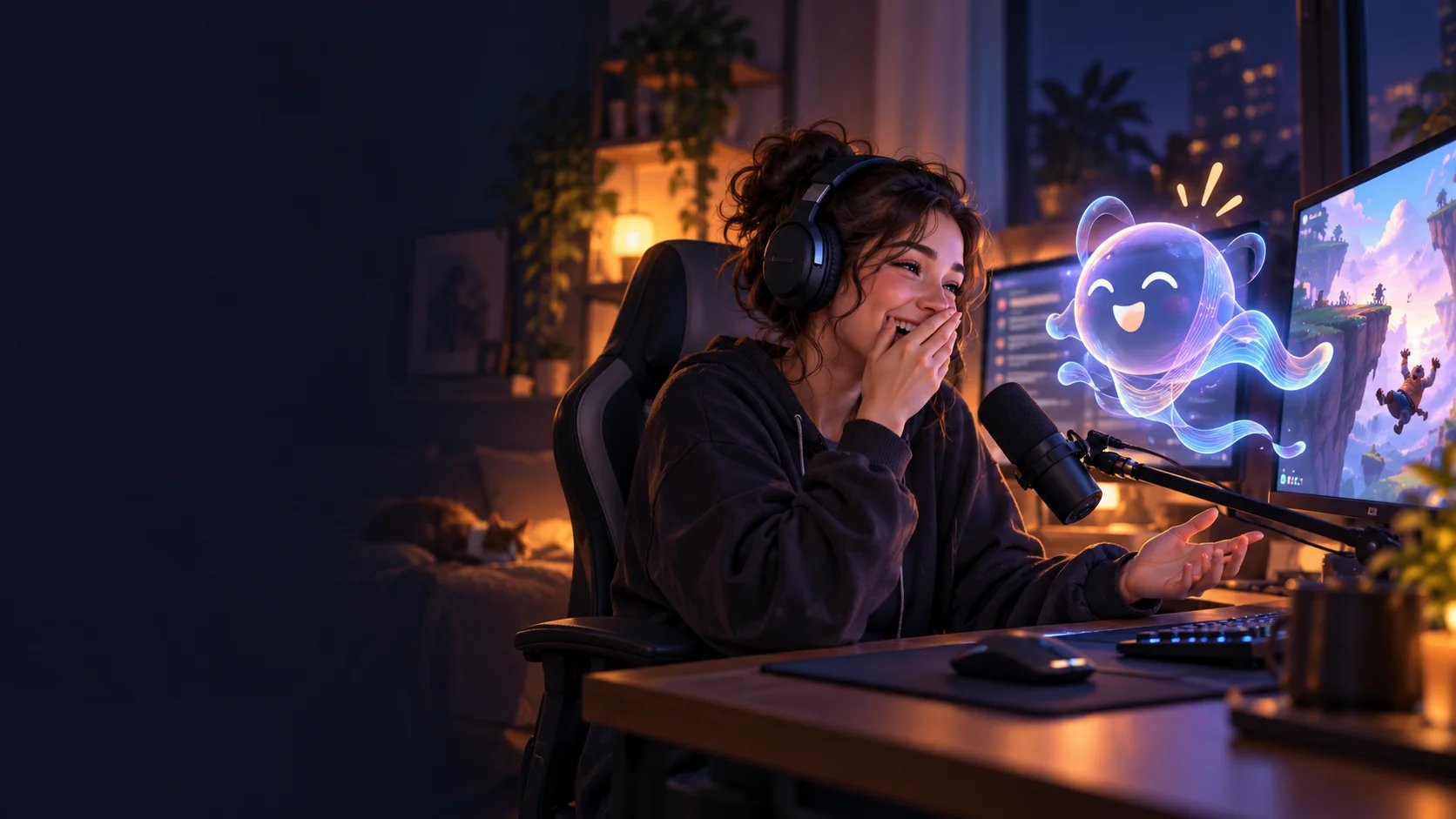
Maybe you’ve seen a glowing animated character reacting in real time. Or heard a robotic voice thanking viewers for their gifts, using their actual usernames. Some streams even feature creators talking directly to an AI, asking random questions and getting weird, unfiltered answers that leave the chat in stitches.
And this isn’t just a trend, it’s becoming a new format.
More and more creators are adding AI to their TikTok Lives to boost interaction, entertain viewers, and stand out from the crowd. Whether it’s through AI TTS (text-to-speech) or full-on AI personalities, these characters are transforming Lives into interactive, unpredictable shows.
So how do you set one up for yourself in 5 minutes?
Why Add an AI to Your TikTok Live?
The TikTok Live space is crowded. You’re competing with everything from dance challenges to street interviews to full-on roleplay channels. So how do you stand out?
One way of doing is to involve AI into your stream and your content. People have been doing it on other platforms like Twitch for years now, and it has yield great results.
Adding an AI to your TikTok Live transforms it from a passive viewing experience into an interactive show. Instead of just watching, your viewers are suddenly part of a conversation, and that’s where the magic happens.
Here’s why creators are jumping on the AI TikTok Live wave:
- 24/7 entertainment: Your AI can keep talking even when you take a break. It never sleeps, gets tired, or forgets what someone said.
- Boosts engagement: The AI responds to usernames, answers questions, and can even roast trolls, all in real time.
- Custom personalities: Want your AI to be cute and bubbly? Dark and mysterious? Business-savvy? You choose.
- Increased watch time: Live viewers tend to stick around longer when there’s something (or someone) reacting instantly to their messages.
- Content goldmine: The best moments can be clipped and reposted as viral short-form content, boosting your reach.
Whether you’re streaming games, storytelling, hosting Q&As, or just vibing, having a talking AI character with a real voice adds a futuristic twist your audience hasn’t seen before.
And as you may know, TikTok’s algorithm loves Lives with interaction. More chat means more visibility. More visibility means more followers.
Finding the Right One (It’s Harder Than You Think)
You’ve seen the trend. You want your own AI TikTok character. But then you try to find one, and suddenly everything gets technical, expensive, or it just doesn’t work.
The biggest issue? Live chat integration.
To work properly, your AI needs to:
- See your stream messages in real time
- Hear and respond to your voice
- Process the messages
- Speak a voice reply instantly using AI TTS
That’s a lot of moving parts. And TikTok doesn’t offer any tools to help, unlike platforms like Twitch, where AI chatbot integration is common.
Many of the so-called “AI TikTok” tools out there fall into these traps:
- They don’t read TikTok Live chat at all (only Discord or Twitch)
- They require complicated OBS setups and third-party scripts
- They charge high monthly fees for limited functionality, or usage base fees
- They lag or crash after a few minutes
And let’s not forget: TikTok doesn’t make their Live API public, so most devs are working with limited access. That’s why a lot of chatbot options simply don’t work on TikTok.
So before you invest time or money, ask:
Can this AI actually connect to my TikTok Live chat and respond in real time?
If not, you’re wasting your time.
That’s why finding a reliable AI solution built specifically for TikTok is essential, and rare.
Adding ai_licia in 5 Minutes
If you want a plug-and-play solution that actually works with TikTok Live, meet ai_licia.
She’s a fully interactive AI character made for TikTok. She reads your live chat, respond to your voice, watches your stream, responds using AI TTS, and interacts in real time, with no coding needed!
Here’s how to get started:
- Go to ai_licia's dashboard and signup
- Connect your TikTok account securely
- Craft your AI character
- Go to Go Live, enable her TTS, start her listening to you and turn her vision on
- Launch your Live, she joins automatically
Watch her respond to you and your chat like magic.
That’s it. You’re live with your own AI TikTok host.
You can now easily plug a Vtubing model to ai_licia with Animaze for example, play around with our different voices, and start creating unique highlights in your stream!
Final Thoughts
TikTok Live is evolving fast, and AI is an interesting way to make yourself stand out. Adding an AI chatbot to TikTok isn’t just a trend. It’s a new creative format. Viewers are craving it. Creators are exploring it. And with tools like ai_licia, it’s finally accessible to everyone.
If you’ve been thinking about giving it a try, now’s the time!
Sign up now and try ai_licia for free!