Top 5 Twitch Streaming Tools in 2026

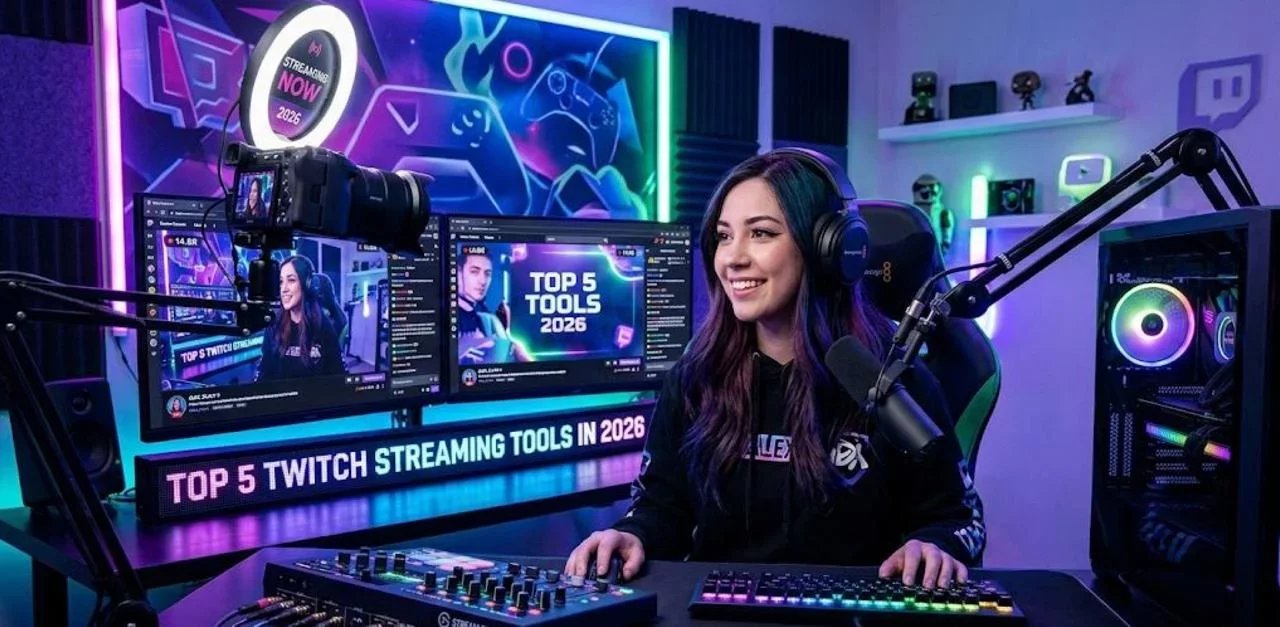
Being on Twitch in 2026 is overwhelming because the internet makes it sound like you need everything. A pro overlay, alerts, a second monitor, a better mic, a bot, a mod team, a content calendar, clips, shorts, and somehow you’re supposed to be funny while troubleshooting your own stream.
But you don’t need 30 tools, you need the right ones. We have compiled some of what we think are greats Twitch tools for new and more seasoned streamers looking to bring something new to their stream.
And while every tool is not for everyone, don't hesitate to try new stuff and drop it if you don't like it!
1) OBS Studio: Streaming made easy
OBS Studio remains the most widely used broadcasting tool for Twitch because it delivers professional production control without platform lock-in. It supports scene-based layouts, multiple input sources (game capture, webcam, overlays, browser widgets), and advanced audio/video configuration, making it ideal for creators who want to improve retention through consistent visuals and sound.
Key capabilities
- Scene switching and transitions: Structured segments (Starting Soon, Live, BRB, Ending) improve pacing and reduce drop-off.
- Audio and filter controls: Cleaner voice audio increases watch time—especially for mobile viewers.
- Extensibility: A large plugin ecosystem helps creators add features as the channel grows.
OBS is your control room where you can build up how your stream will look like, so you want to make sure you have a good understanding of how it works if you want to build a slick looking stream.
OBS has been around for a long time, so you can easily find tutorial for almost everything you want to do!
2) Pulsoid: Stream with your heart
Pulsoid adds a real-time heart rate overlay to Twitch streams via browser-based widgets that can be placed directly into OBS scenes. That single metric becomes a storytelling device: suspense spikes, clutch moments, jump scares, and IRL challenges instantly become more watchable and more clip-worthy.
What's cool about Pulsoid
- Instant “tension meter”: Viewers stay longer when the stream has a visible emotional arc.
- Overlay flexibility: As a browser source, it can be resized, themed, and placed per scene.
- Extension-based viewing control: Pulsoid also provides a Twitch Extension approach, enabling different visibility options (useful for community mechanics).
- Automated clips: Pulsoid can makes clips of your streams based on your heart rate. Pretty cool right?
Pulsoid is an interesting tool to bring and use when it makes sense (did I hear Spooktober?) or to keep on the long run and paired out smartly with sound alerts.
3) Streamer.bot: Endless automation
Streamer.bot is an automation engine that helps Twitch channels feel responsive and alive, without constant manual clicking. It enables “if this happens → do that” logic across common Twitch events and can integrate with OBS workflows for real-time scene and overlay behavior.
See it as a bot that went all the way to help you automate everything and anything!
A few Streamer.bot use cases
- Automated engagement beats: Timed prompts and interactive cues reduce dead air.
- Event-driven actions: React to follows, subs, raids, chat triggers, and channel point redeems automatically.
- Stream structure automation: Kick off intro routines, switch scenes, or trigger stingers without breaking focus.
Honestly, the possibilities are endless with Streamer.bot, which is great, but also can be quite overwhelming for new users, or less tech savvy users.
4) Restream: Multi-platform distribution to expand reach beyond Twitch
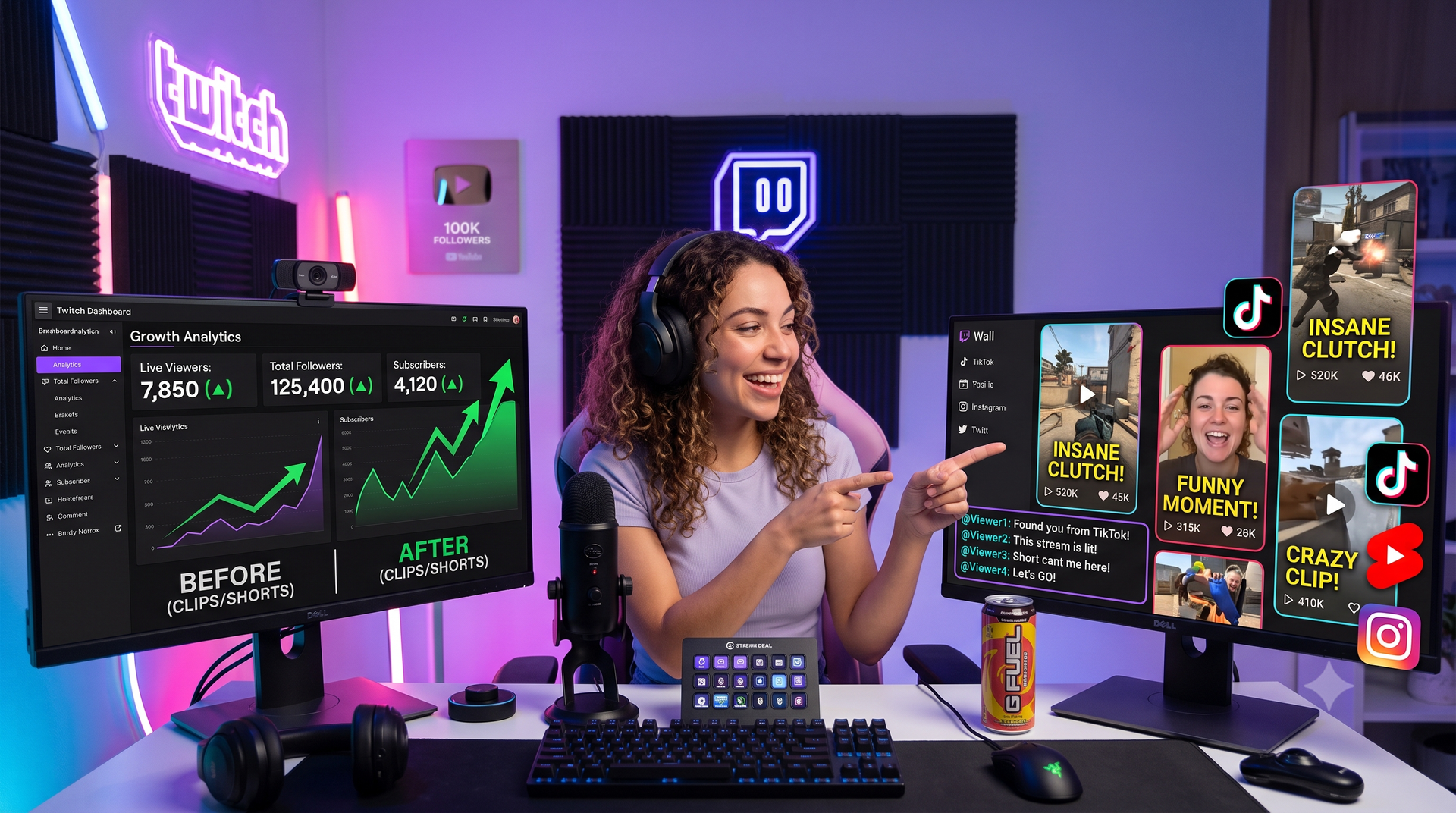
Audience discovery in 2026 is increasingly fragmented. Restream supports multistreaming to 30+ destinations, helping creators use Twitch as the home base while still growing on other platforms. It also emphasizes workflows that support repurposing streams into short-form vertical content, important for conversion from clips to live viewers.
And with recents changes to Twitch shared chat policies, now is a great time to explore multi stream!
What Restream can do for you
- Broader top-of-funnel reach: Multistreaming increases visibility without doubling production effort.
- Cross-platform consistency: A single show can feed multiple channels while maintaining brand cohesion.
- Short-form alignment: Vertical repurposing helps turn highlights into discovery assets.
Multi Stream and being able to stream in both vertical and horizontal format makes repurposing your content in short format a lot easier, and helps a lot with discoverability.
5) ai_licia: The Future of AI Chatbots
A strong Twitch chatbot is no longer optional in 2026, it’s part of the channel’s identity and retention system. ai_licia is positioned as an AI co-host style chatbot designed to engage viewers naturally, maintain continuity through memory, and keep chat moving during gameplay intensity or low-chat periods.
ai_licia capabilities that map directly to growth
- Natural conversation : Designed to participate in chat in a human way.
- Memory and continuity: Supports deeper community feel by remembering and building context over time.
- Can watch your stream: ai_licia can watch your stream and use what she sees to be more relevant.
- Voice features: Supports voice interaction and high quality AI TTS.
- Vtubing support: Native Vtubing support, or easy to integrate with mainstream Vtubing platforms.
- Integrations: Explicitly highlights compatibility with tools such as Pulsoid, Streamer.bot, StreamDeck, Lumia, and more, plus a public API for custom builds.
ai_licia also supports multi-stream, enabling participation across additional platforms beyond Twitch.
ai_licia is very versatile and open many ways for you to customise and adapt her for your stream and you community. And guess what, ai_licia is free to try!
We hope this helped you get new ideas on what tools to use to help with your stream, and we wish you a happy year of streaming!