Make your Twitch stream more engaged with Pulsoid and ai_licia

Getting your viewers to stick around and actually interact can be tough on Twitch. That’s why tools like Pulsoid are coming in to make a difference. Pulsoid connects your heart rate monitor to your stream, adding a whole new layer of emotion, engagement, and highlight potential. Whether you’re getting chased in a horror game or pulling off a last-second win, your heart rate tells the story your face might not. It gives your audience something different to react to, and that builds connection.
Now imagine taking that one step further.
With ai_licia, you can turn that heart rate data into more real-time interactions. She can chime in when your pulse spikes, crack a joke when you get scared, cheer you on when things heat up, while taking a clip and making her comments our loud with her AI TTS, making these moments even more memorable!
Now, let's see how we can make Pulsoid and ai_licia work together for you!
How to integrate Pulsoid with ai_licia
First thing first, you will need a heart rate monitor, and a Pulsoid account with a BRO plan. You can find all the necessary information regarding both on their website.
We have a quick video tutorial setup ready for you! If you prefer text, we have the different instructions below as well
Connecting your Pulsoid account with ai_licia
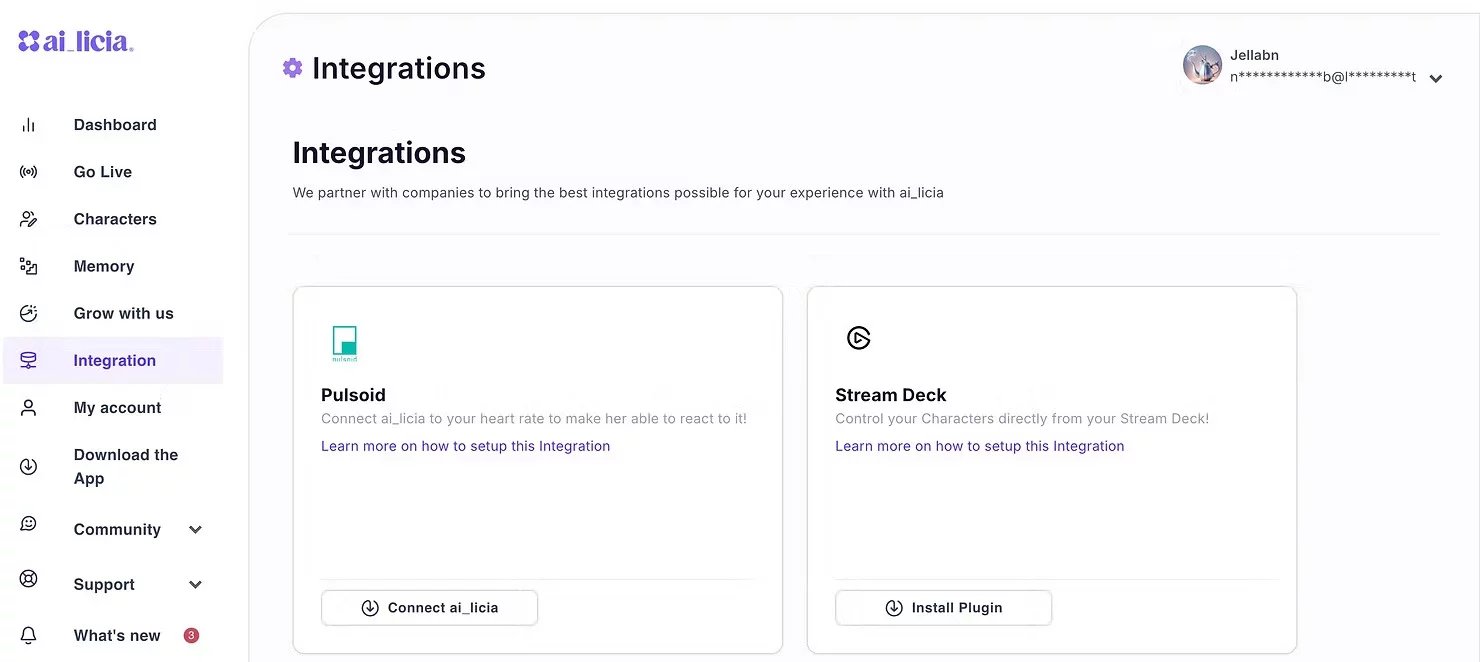
Go to your ai_licia Streamer Dashboard and go to the Integration page. If you don't already have an ai_licia account, create one first.
On the Pulsoid card, click on Connect ai_licia. It will take you to Pulsoid to authorize the connection with ai_licia.
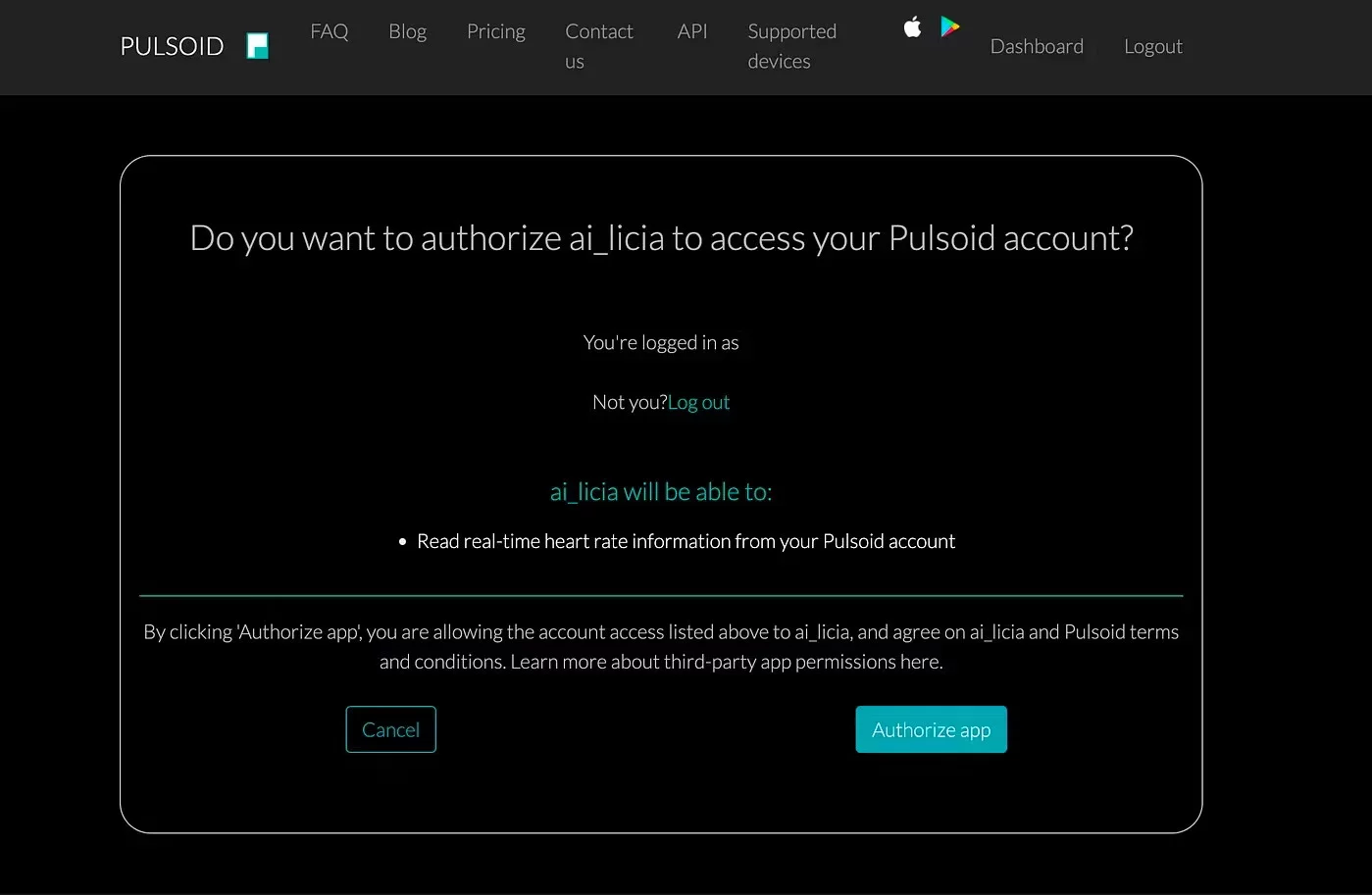
Click on Authorize app. It will take you back to the Integration page, with the Pulsoid card now looking slightly different.

You can now configure how you want ai_licia to react to your heart rate!
Let's see how these settings work and how to make the most of them:
- First one is a reaction threshold value. Let's say you set it at 120, ai_licia will post a message commenting on your heart rate using what she sees on stream, hear from your microphone, happens in chat and based on the Character you have crafted for her, when you get above that 120 mark.
- Depending on what kind of stream you are doing (horror, regular, sport, etc...) you may want to adjust that value to keep it for what would be potential highlights.
- Second one is a variation sensitivity. Let's say you set it a 20, whenever your heart rate will change in a small time span by more than 20 (like 99 to 120), ai_licia will comment on it, using the same elements as for the reaction threshold.
And you are good to go! Starting on your next stream, ai_licia will be able to bring your heart rate as one of the many cues she uses to bring more engagement in your Twitch Stream.
Join our vibrant Discord community to connect with over 800 content creators from all over the world!