How to Set Up TikTok TTS (Text-to-Speech) with ai_licia


TikTok Text-to-Speech (TTS) has become one of the most popular ways to add personality, accessibility, and fun to videos. Whether you’re reacting to gifts on live, narrating a story, or making your content more engaging, using a realistic AI voice makes a huge difference.
That’s where ai_licia comes in.
Unlike TikTok’s built-in voices, ai_licia gives you high-quality, natural voices with full control and flexibility, all without complicated setups.

Why Add TTS to TikTok Live?
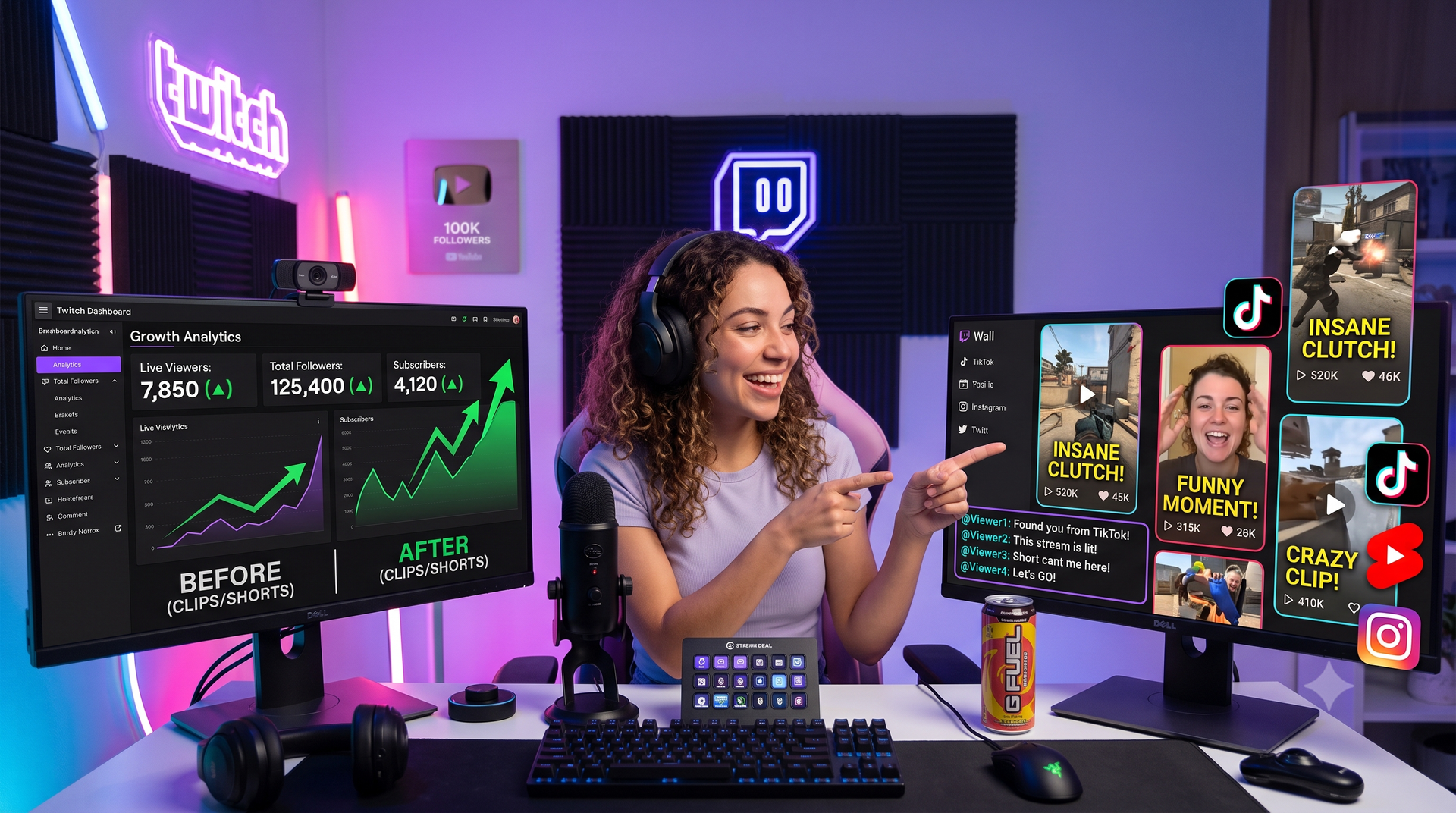
Adding text-to-speech to your TikTok Live isn’t just a gimmick — it’s a powerful tool for growing your audience and increasing engagement. Here’s why:
- Instant engagement with viewers: TTS reads messages out loud, so every comment feels seen and heard. This makes your stream more interactive and keeps the energy high.
- Boost gift reactions: When TTS announces gifts in real time, it creates hype and encourages others to send more, increasing your revenue.
- Accessibility for all viewers: Not everyone can easily follow the chat, especially on mobile. TTS ensures your livestream is inclusive and easy to follow.
- Adds personality to your stream: Funny, realistic voices turn ordinary live chats into entertaining moments that your audience will remember.
With TTS, you’re not just streaming, you’re creating a more interactive, entertaining, and profitable TikTok Live.
Why Use ai_licia for TikTok TTS?
There are many reasons as per why ai_licia is the perfect AI chatbot for your TTS needs:
- No overlay required: you don’t need to mess with screen captures or hacks. Just connect and go.
- React to gifts in real-time: bring your livestreams to life with fun, engaging TTS reactions when viewers send gifts.
- Super realistic voices: powered by Eleven Labs, ai_licia ensures your content sounds professional and human-like.
- Global language support: reach more audiences around the world.
Supported Languages
ai_licia currently officially supports many languages: English, French, Spanish, Portuguese, German, Dutch, Swedish, Norwegian, Italian, Polish, Romanian, Chinese (Mandarin) and Japanese.
That means you can connect with audiences worldwide, or even switch voices depending on your content style.
How to Set Up TikTok TTS with ai_licia
- Create your ai_licia account: Sign up and log in.
- Connect to TikTok: Easily link up your TikTok account.
- Choose your voice: Pick from a wide range of realistic voices across multiple languages.
- Enable TTS: Head to the Go Live page, enable the TTS.
- Start streaming: ai_licia will join your live and start blasting her voice in your stream.
Final Thoughts
If you want to stand out on TikTok with professional, engaging, and global-friendly text-to-speech voices, ai_licia is the best option. No overlays, no lag, just instant, realistic TTS that makes your content shine.
👉 Try ai_licia today and take your TikTok TTS game to the next level.