How to get your Animated AI PngTuber with ai_licia & PNGTuber Plus

Streaming today is as much about personality as it is about content. Many creators on Twitch and TikTok want a way to express themselves visually without setting up a full 3D model or investing in a high-end VTuber rig. That’s where PNGTubing comes in, being a fun, lightweight alternative that lets you bring a character to life using simple images that react to your voice. With just a couple of PNGs, you can give your stream a personal flair and make interactions with your audience feel more engaging.
But if you’ve looked into PNGTubing before, you might have noticed that most solutions are either too basic or too limited. That’s why PNGTuber Plus stands out. It takes the simplicity of traditional PNGTubing and builds on it with animation, smooth reactions, and advanced features designed for modern streamers. Instead of being stuck with static image swaps, you get a livelier, more expressive character that can actually keep up with your energy on stream, without the complexity or heavy resources of full VTubing software.
How to connect ai_licia with your PNGTuber model on PNGTuber Plus
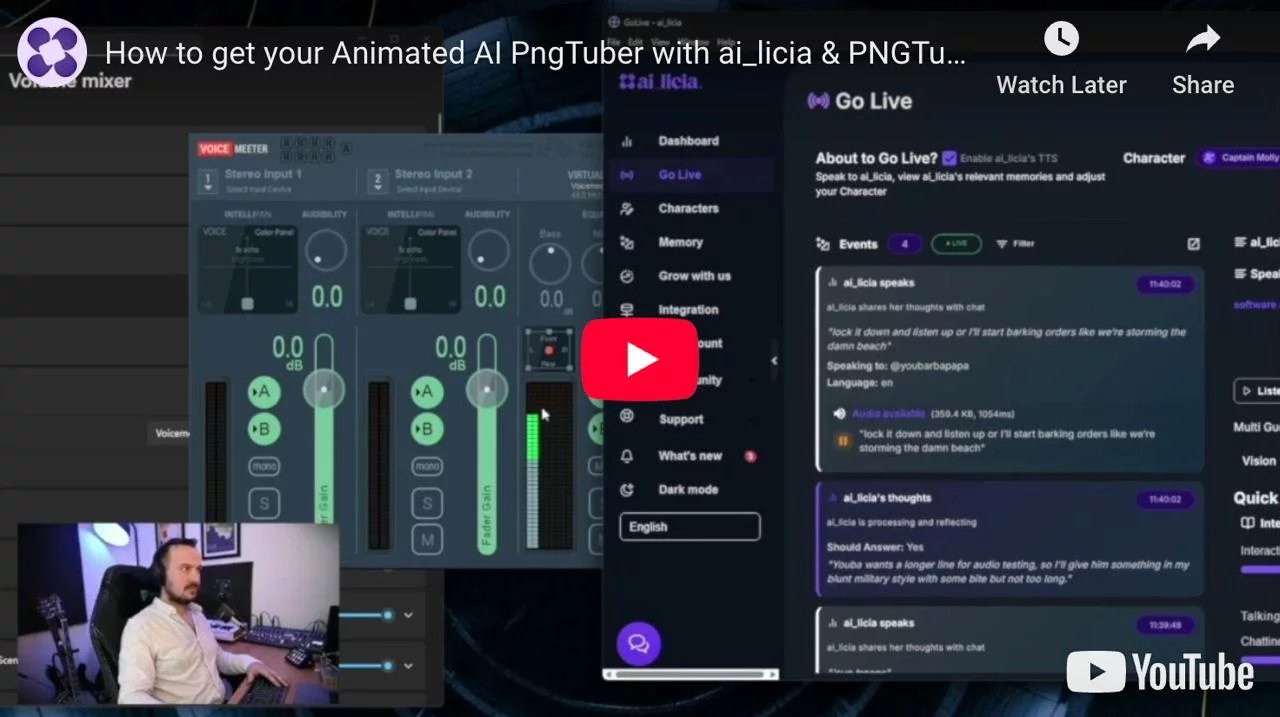
👉 Watch our detailed setup video
Pre requisite
You need to download Voicemeeter, PNGTuber Plus and the ai_licia App.
Make sure to be playing ai_licia's TTS from the Go Live page on the ai_licia App.
Voicemeeter
The goal is connect ai_licia's audio directly into PNGTuber Plus as a microphone, and that's where Voicemeeter comes into play.
Go to your Windows settings, on the Volume Mixer. You will see a list of Apps, go to the ai_licia App. Change the output audio to be a Voicemeeter input. That input can be fed to Vtube Studio (or technically any other Vtubing software) to sync ai_licia's voice to your model.
Make sure you still have an output setup on Voicemeeter to be able to still hear ai_licia's voice
PNGTuber Plus
Now let's connect your Model with ai_licia's voice.
Start PNGTuber plus, and select the model you want to use. You can use default ones provided by the software, or commission an artist to create the model of your dreams.
Now that you see your model on screen, you are also seeing a lightweight UI. Click on the microphone icon to select which microphone you want your model be synchronized with.
Select the Voicemeeter out B1 microphone (it is the one we configured earlier to play ai_licia's voice).
Now, your model will open it's mouth when ai_licia is speaking, and close it when she is done.
We are done with the voice sync setup, let's now add your model on your stream.
PNGTuber Plus sets the background of your model as transparent by default, which is one setting less to update manually. Let's head directly to OBS Studio (or Streamlabs OBS) and create a new Game Capture source.
Select Capture Specific Window as the Mode, and select PNGTuber as the Window. Don't forget to tick Allow Transparency in the options of the source.
And voila! You now have a PNGTubing model visible on stream, synched with ai_licia's voice.
You can easily test that everything is working by making ai_licia join your stream and say something with her TTS active.
Need help with the setup? Want to suggest another Vtubing software to integrate with ai_licia? Join our Discord community now to get in touch with us!