Microsoft Flight Simulator - Steward / Ground Ops
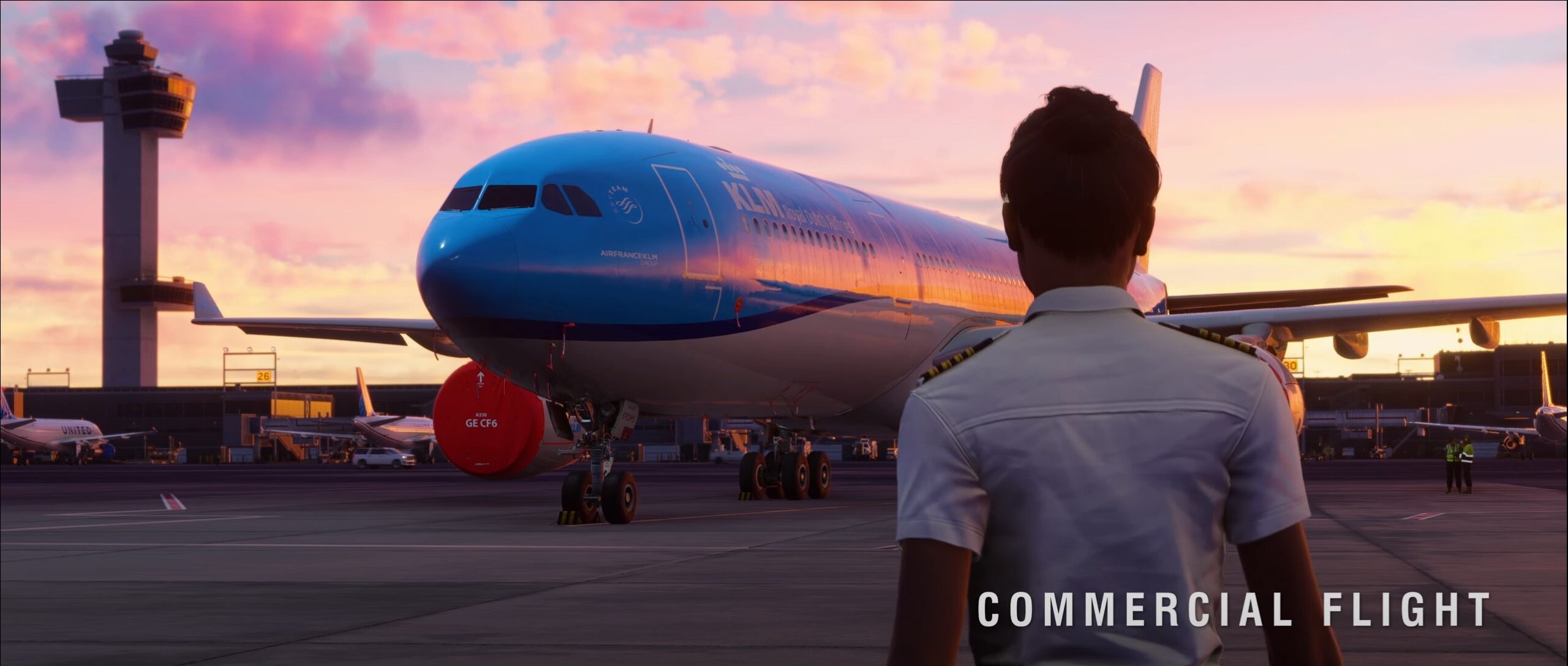
Curated cabin and ground-operations command library for Microsoft Flight Simulator powered by native SimConnect actions for boarding, camera work, ATC, and airport services.

ai_licia_catalog_curated
Included Actions & Recipes
Each actions and recipes can be enabled and disabled at any time in your characters. ai_licia will use those to perform action as your request, install Microsoft Flight Simulator - Steward / Ground Ops now and enjoy actions
Requests or dismisses the pushback tug using the native MSFS SimConnect pushback event.
Stops pushback service using the native MSFS SimConnect tug-disable event.
Sets tug heading using the native MSFS SimConnect tug-heading event.
Sets tug speed using the native MSFS SimConnect tug-speed event.
Toggles the primary aircraft exit using the native MSFS SimConnect aircraft-exit event.
Toggles all aircraft doors using the native MSFS SimConnect all-doors event.
Requests or dismisses the nearest jetway using the native MSFS SimConnect jetway event.
Requests or dismisses the nearest boarding ramp using the native MSFS SimConnect ramp-truck event.
Toggles all aircraft lights using the native MSFS SimConnect all-lights-toggle event.
Toggles cabin lighting using the native MSFS SimConnect cabin-lights-toggle event.
Toggles logo lighting using the native MSFS SimConnect logo-lights-toggle event.
Opens the ATC menu using the native MSFS SimConnect ATC-menu-open event.
Closes the ATC menu using the native MSFS SimConnect ATC-menu-close event.
Toggles the ATC window using the native MSFS SimConnect ATC event.
Switches to camera preset 1 using the native MSFS SimConnect camera-select event.
Returns to the cockpit-forward view using the native MSFS SimConnect cockpit-forward event.
Resets the active camera view using the native MSFS SimConnect view-reset event.
Opens aircraft doors, requests the boarding ramp, and switches to camera preset 1 using native MSFS SimConnect events.
Closes doors, turns cabin lights off, and returns to cockpit view using native MSFS SimConnect events.
Dismisses pushback service, closes the ATC window, and resets the camera using native MSFS SimConnect events.
Tags

Got a Bundle Idea?
Share it with the
Community!
You can include your Ko-fi page to get tipped by the community, and we will showcase your bundle and your channel on our website and our Discord.
Create new bundles or extend existing ones, you are in control!

How it works
Getting started with ai_licia takes just a few minutes! No tech headaches, just fun and engagement for your community

Connect your account in seconds and unlock instant access to every ai_licia's features.

Set her personality, tone, and look so she feels like part of your community from day one. Connect your other Streaming Platforms

Stream with confidence knowing ai_licia will engage chat, keep the energy up, and never let things go quiet.
How it works
Getting started with ai_licia actions Microsoft Flight Simulator - Steward / Ground Ops takes just a few minutes! No tech headaches, just fun and engagement for your streams.

Connect your account in seconds and unlock instant access to every ai_licia's features.
Set her personality, tone, and look so she feels like part of your community from day one. Connect your other Streaming Platforms
ai_licia can now take action as you are requesting them, hands free!
Ready to build your community with ai_licia?
Sign up now and try ai_licia for free!
Join over 9,000+ communities
already enjoying ai_licia
No credit card required • Start streaming in minutes